Our name is about checking out, so we think a lot about what makes checkout safe, on our site and everywhere else. These are the habits we follow ourselves and suggest to friends and family.
Before you click buy
- Look for the lock and the right address. The address bar should show https and the exact store name you expect. Watch for misspellings, extra words or odd endings.
- Find a real address and phone number. A trustworthy store tells you where it is and lets you call. Ours is at 1652 N 136th Ave, Goodyear, AZ, and the phone is +1 623-935-4056.
- Read the return policy first. If you can't find one, or it is vague, take that as a warning.
While you pay
- Use a credit card or a trusted payment link. Credit cards and well-known payment providers give you more protection than a debit card or a wire transfer. At Click and Checkout you never type a card number on our site: we email a secure payment link after you place the order.
- Skip public Wi-Fi for payments. If you must shop on the go, use your phone's data or a VPN.
After the order
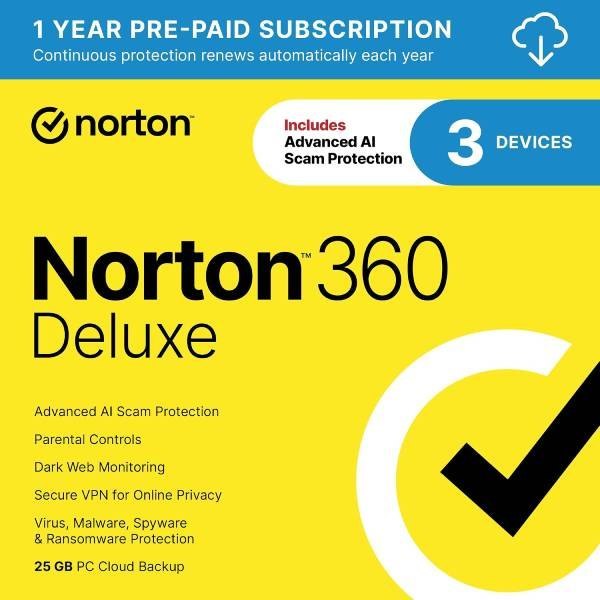
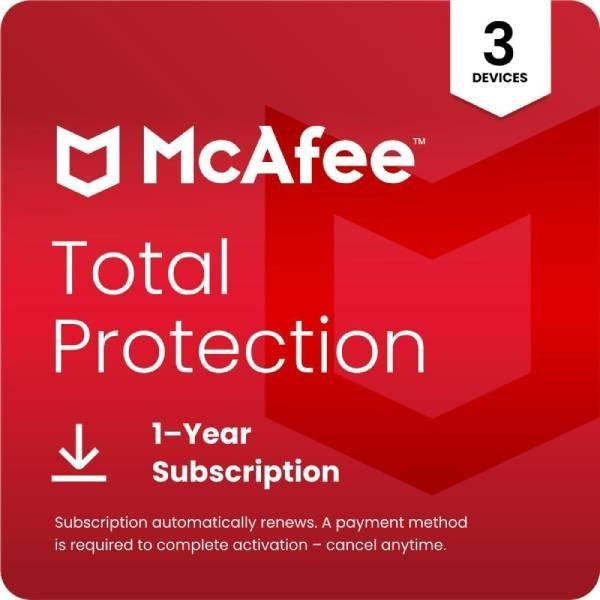
- Keep your devices protected. Up-to-date antivirus and browser updates block most phishing pages and fake checkout forms.
- Be wary of "problem with your order" emails. If a message asks you to re-enter card details, don't click. Go to the store's site yourself, or call them.
Gift card rule: no real business, utility or government office asks to be paid in gift cards. If someone does, it is a scam. Gift cards are for gifts.
Questions? Call +1 623-935-4056 or send us a note.